If you already have a ticket for the event, you also have an account that you can use to access the trade fair app and the appointment booking functions in the Matchmaking Zone.
To log in to the app, click the button below and log in using the details provided when purchasing your ticket:
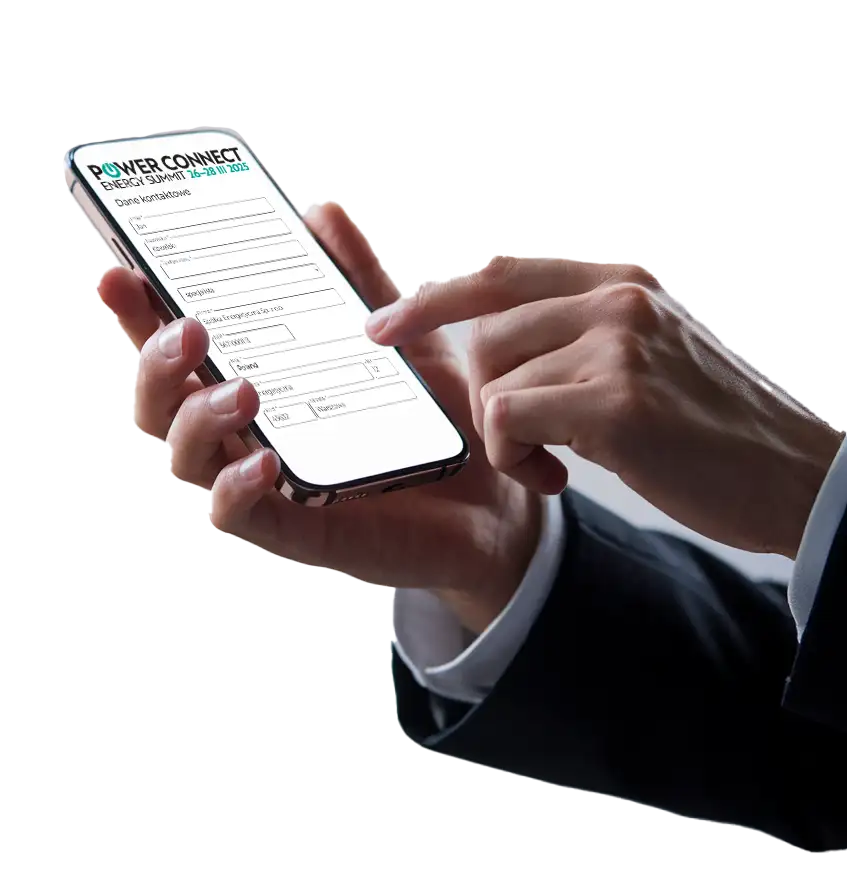
After logging in, go to the MATCHMAKER application and complete your profile so that other participants can find you more easily on the list.
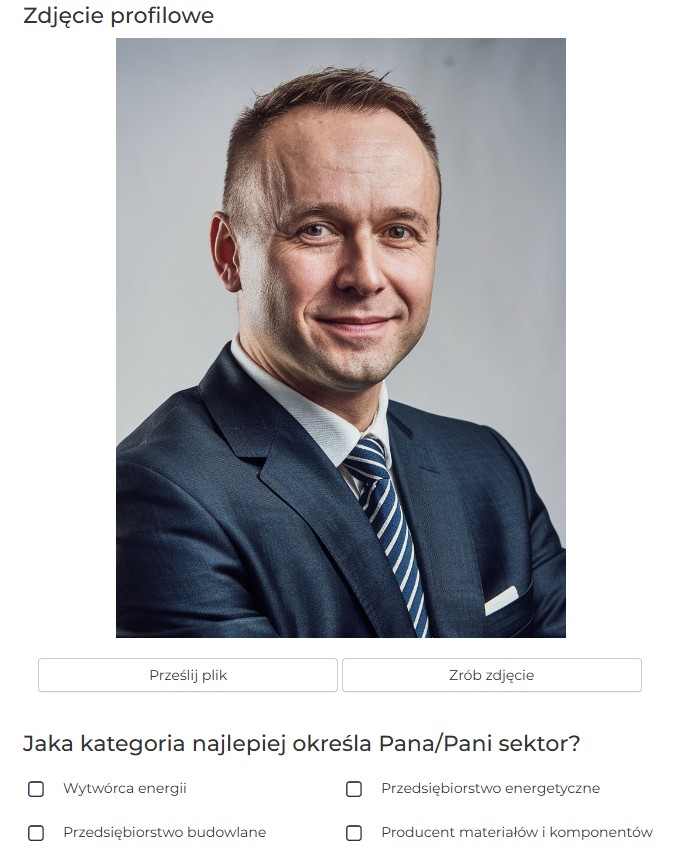
In particular, adding a profile picture will be useful to help recognise each other on site before meeting in the Matchmaking Zone.
To update your information, go to the menu in the top right corner of the screen:
and then select "MATCHMAKER" and "My data"
Step 3
Arrange meetings
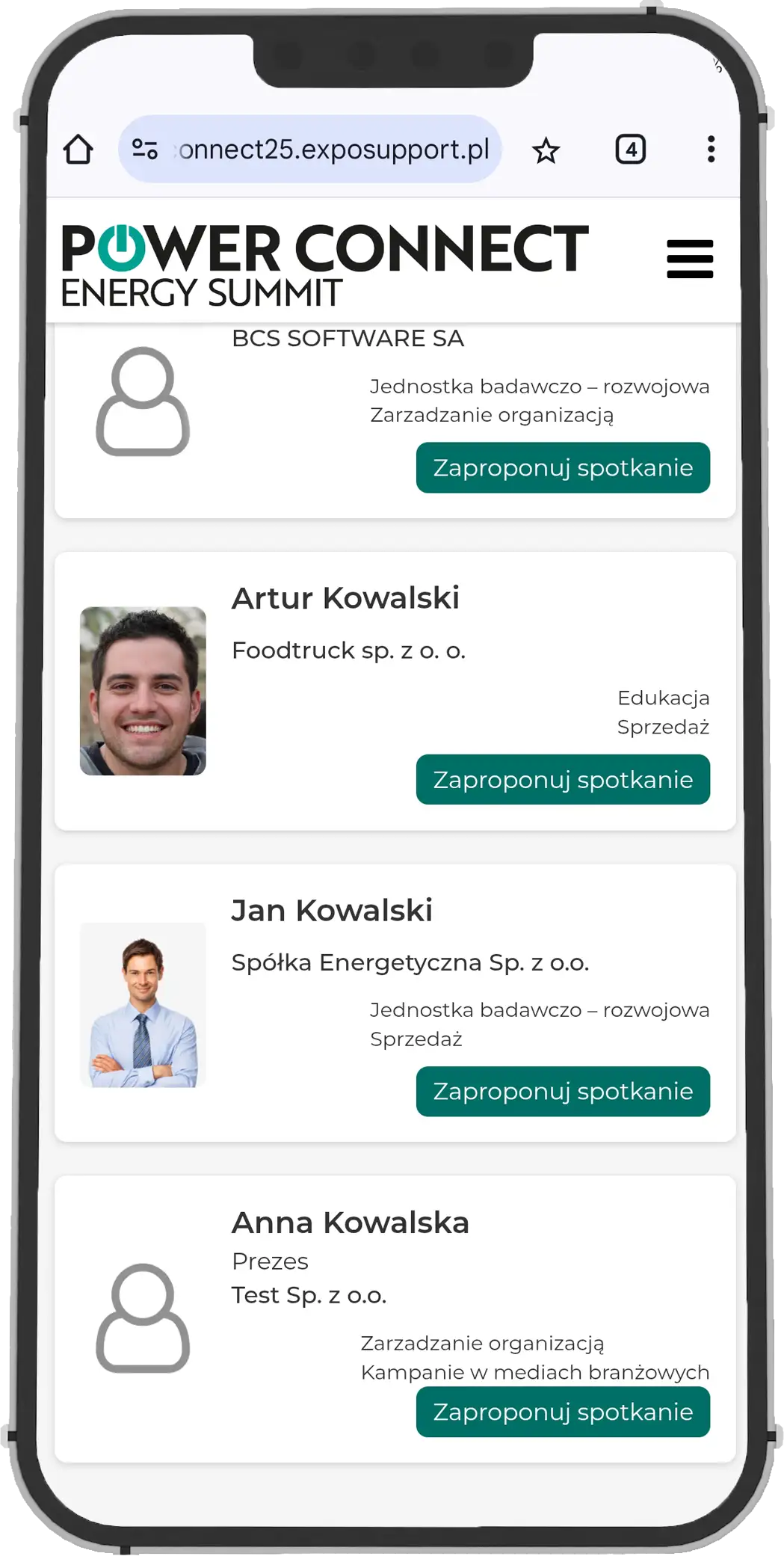
The app offers the ability to search for users on a list and send them meeting proposals in the Matchmaking Zone.
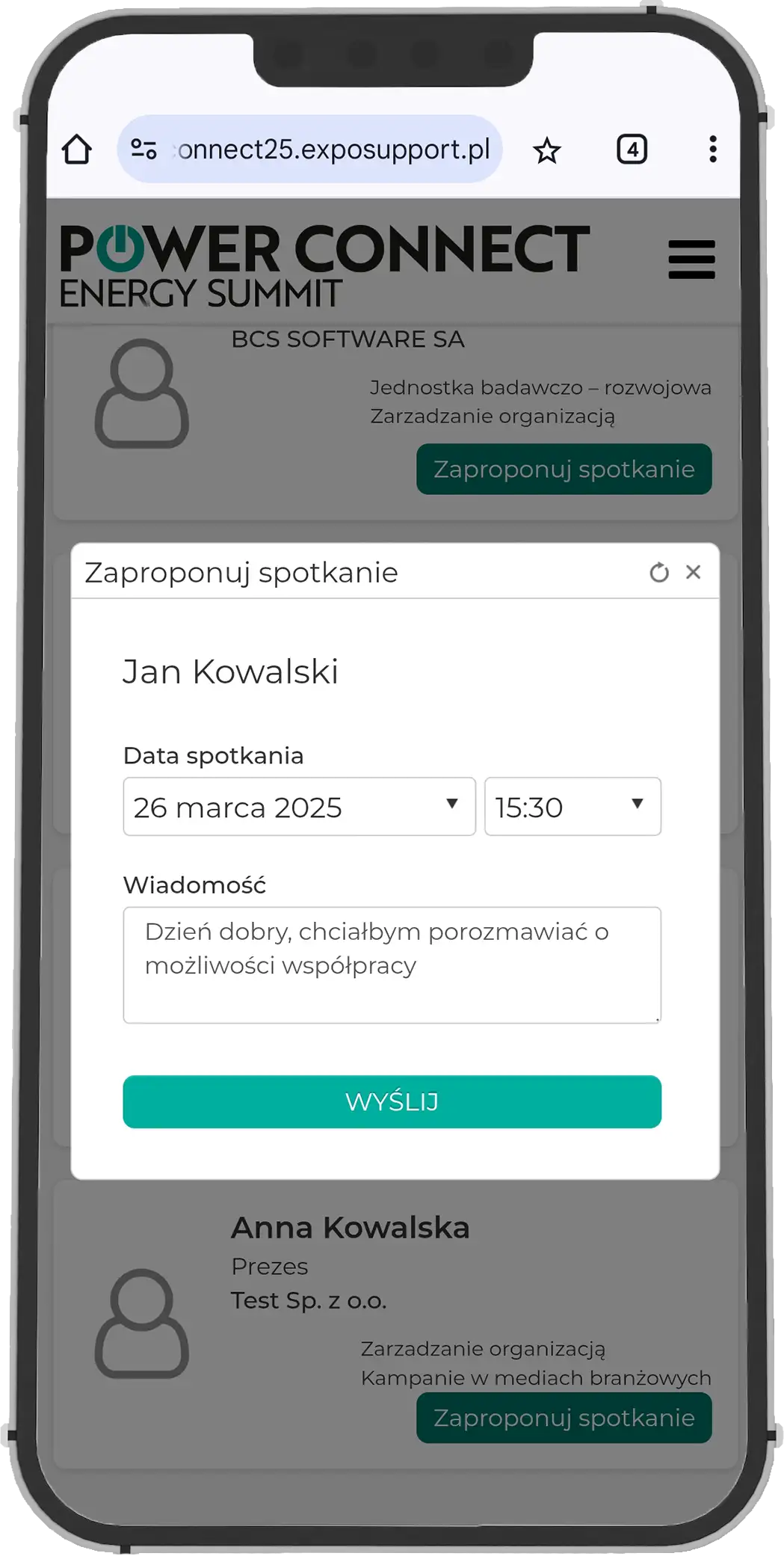
Upon clicking "Arrange Meeting", you can propose a meeting time and add a short note. The time selection is linked to the calendar of the person you are inviting to the meeting, which helps to avoid "clashes" with other activities.
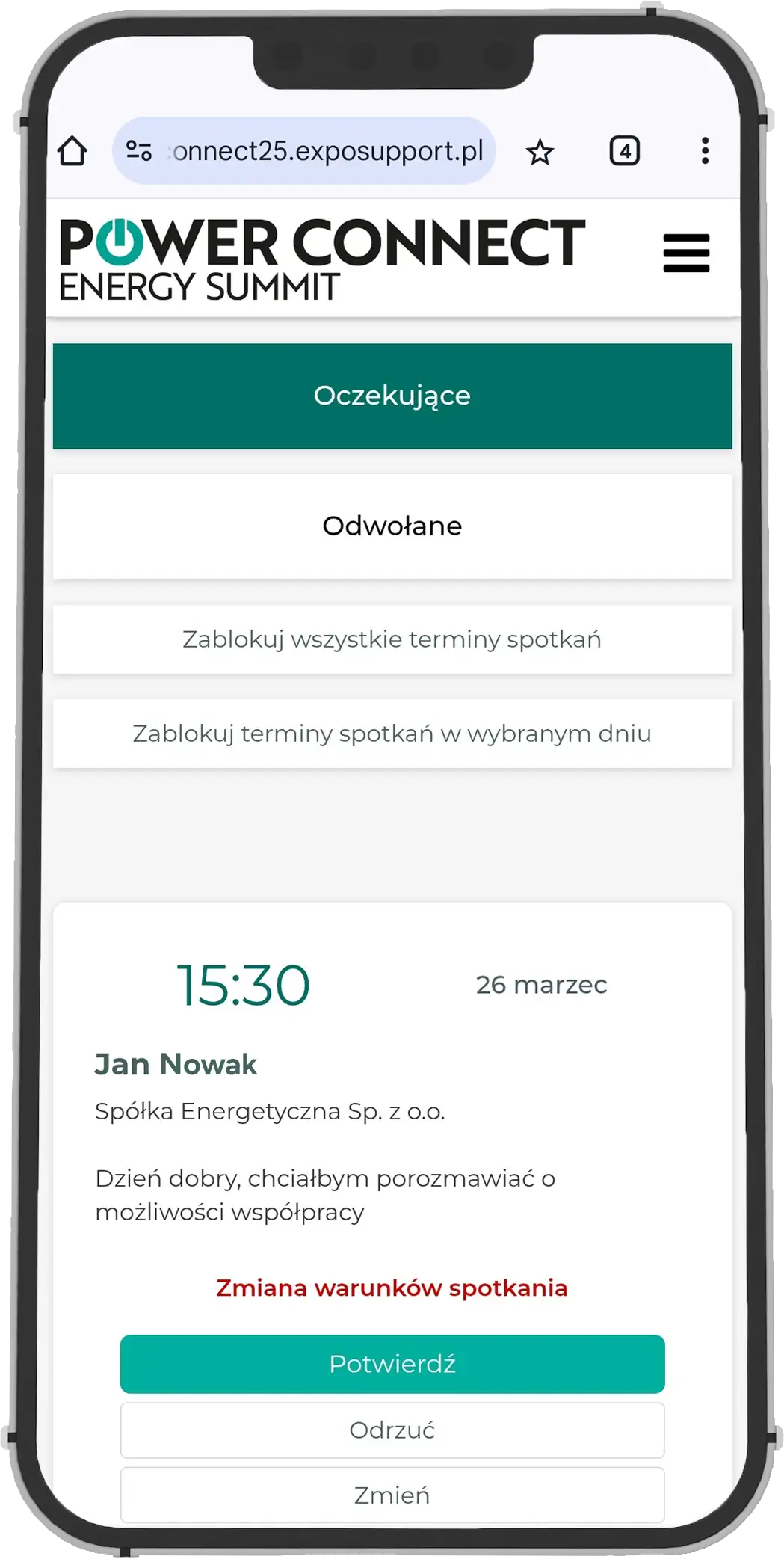
Upon receiving an invitation, we have the option to accept or decline it, as well as propose an alternative date.
For better visibility, meeting notifications are also sent to the email address provided in your profile.
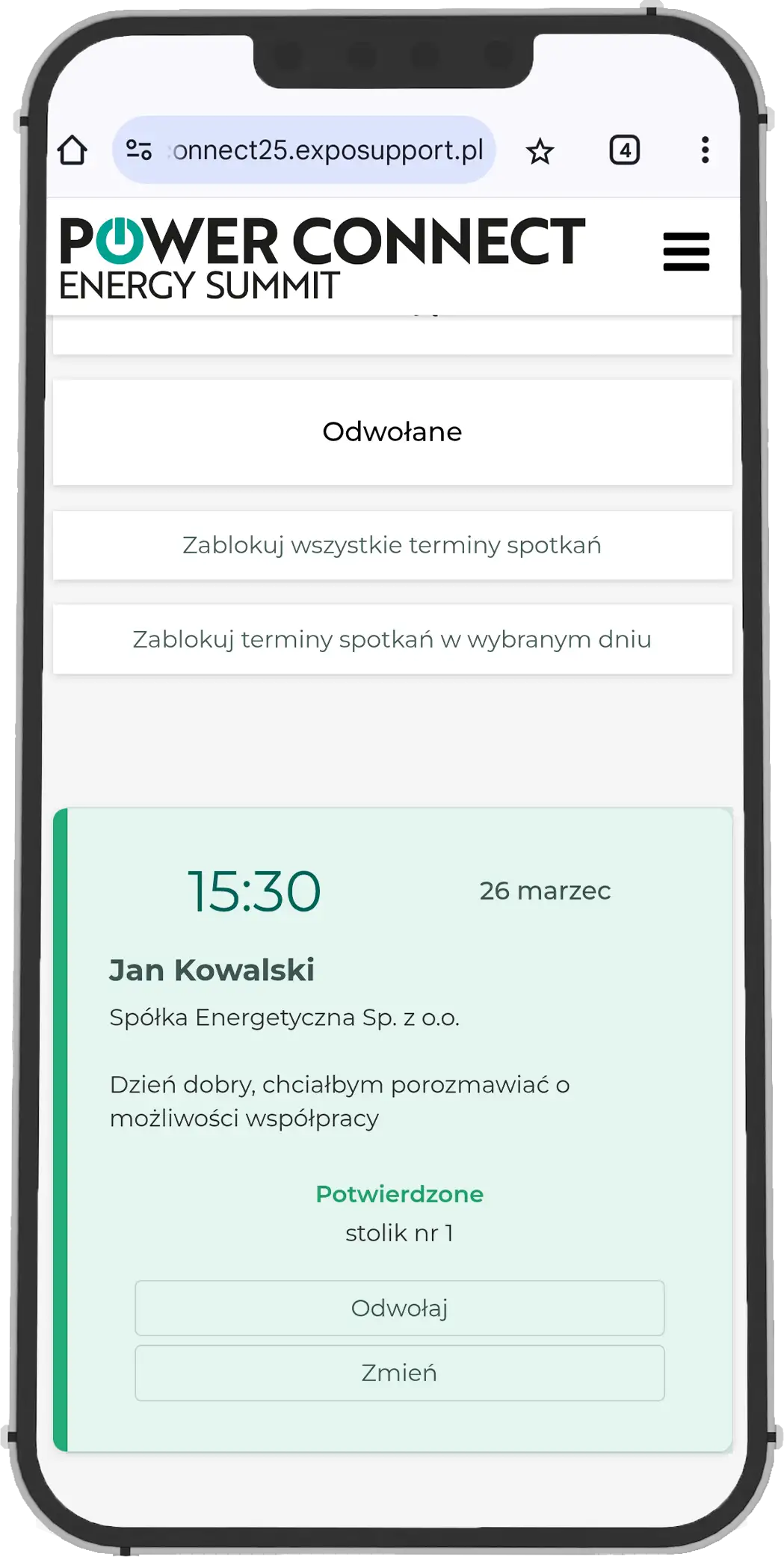
Upon acceptance, simply arrive at the agreed time in the Matchmaking Zone to receive a comfortable space for your conversation.
The current status of meetings and submitted proposals can be viewed in the "My Meetings" tab.
Step
1
Step
2
Step
3
Step
4
Get involved with the event app before the event even starts!